Birthdays,remembered.
You write down who and when, once. From then on the app tells you — and hands you something to send, made from your own photos.
Android 8 or newer
- Works offlineEven in flight mode
- No accountWe don't even ask for an email
- One paymentNo subscription, ever
- Your data stays putWe have nowhere to send it
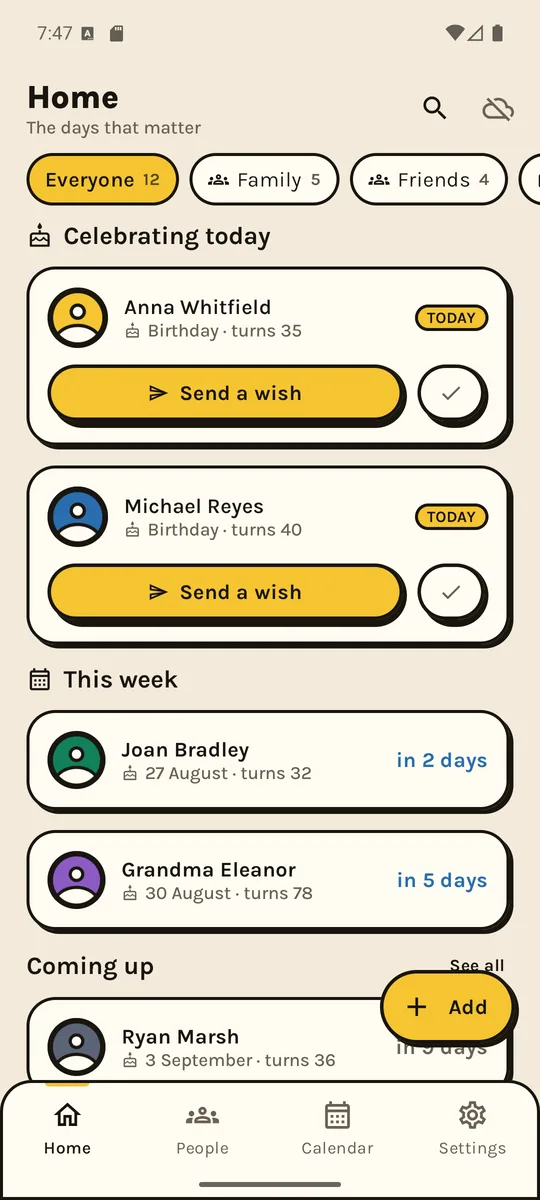
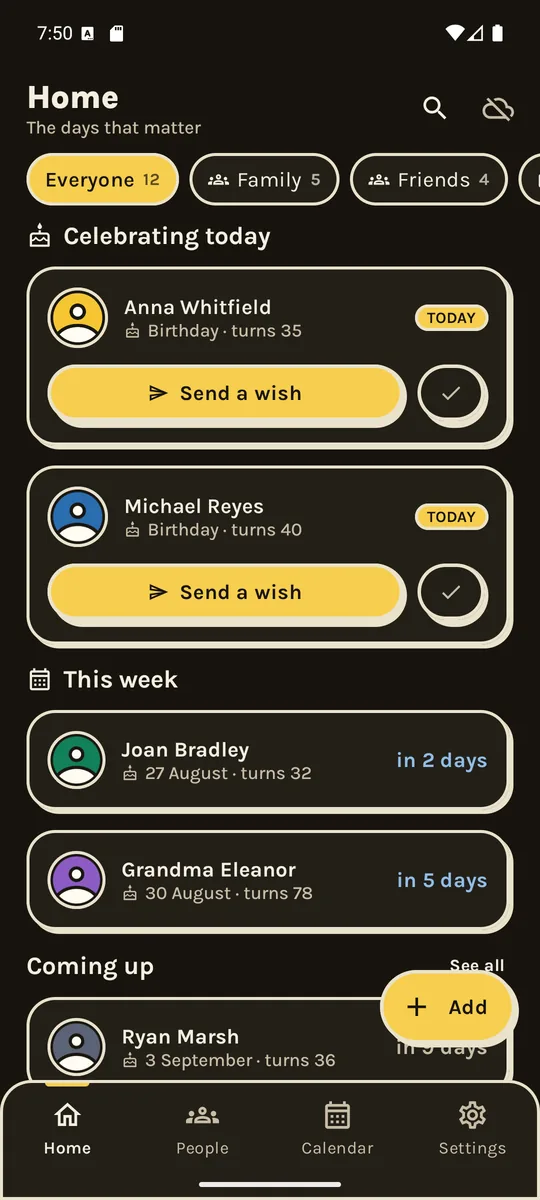
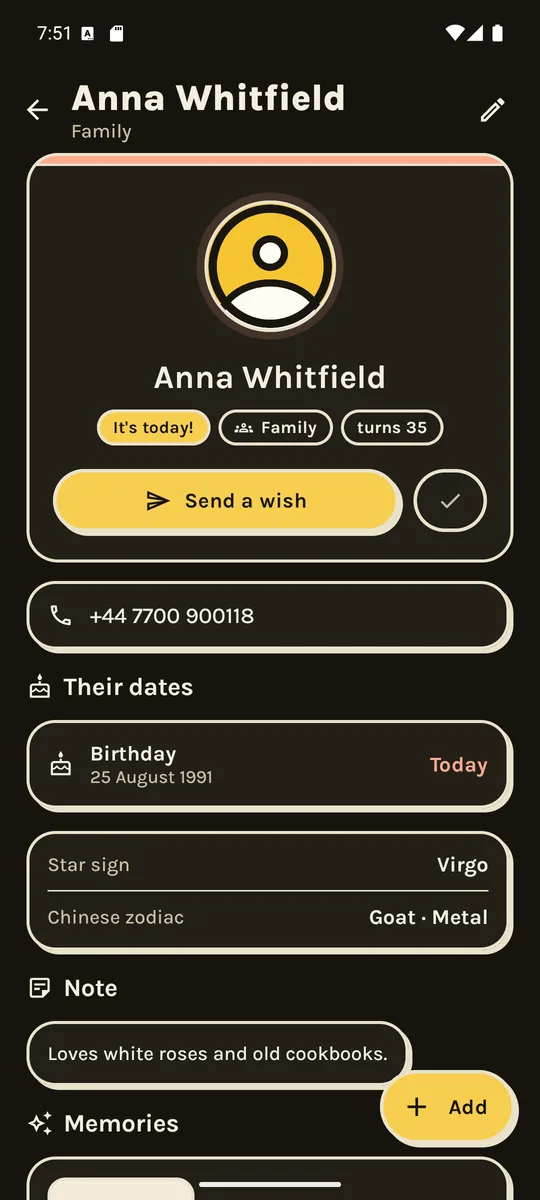
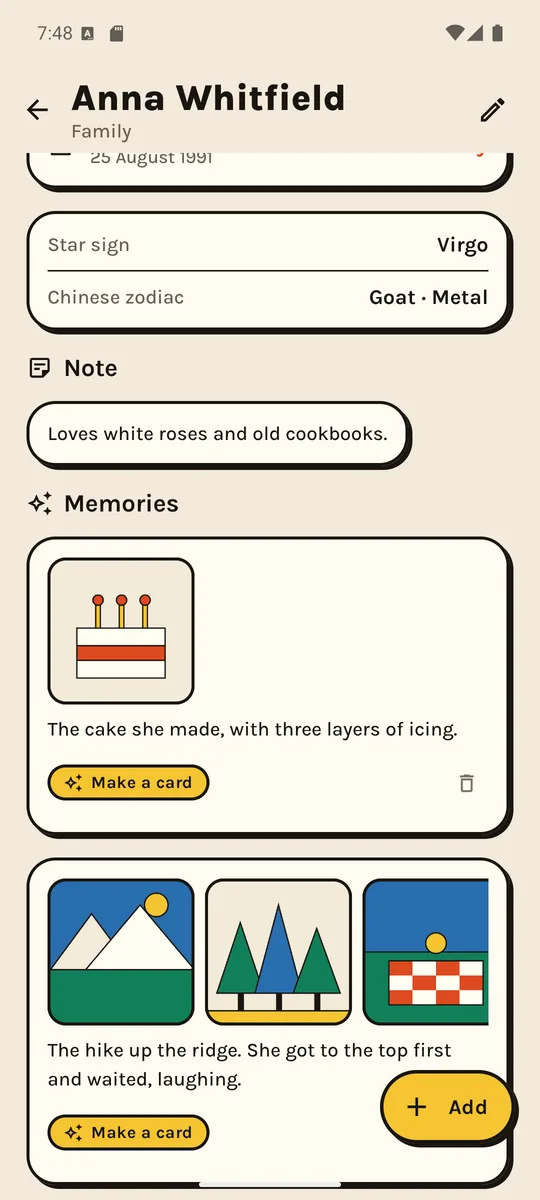
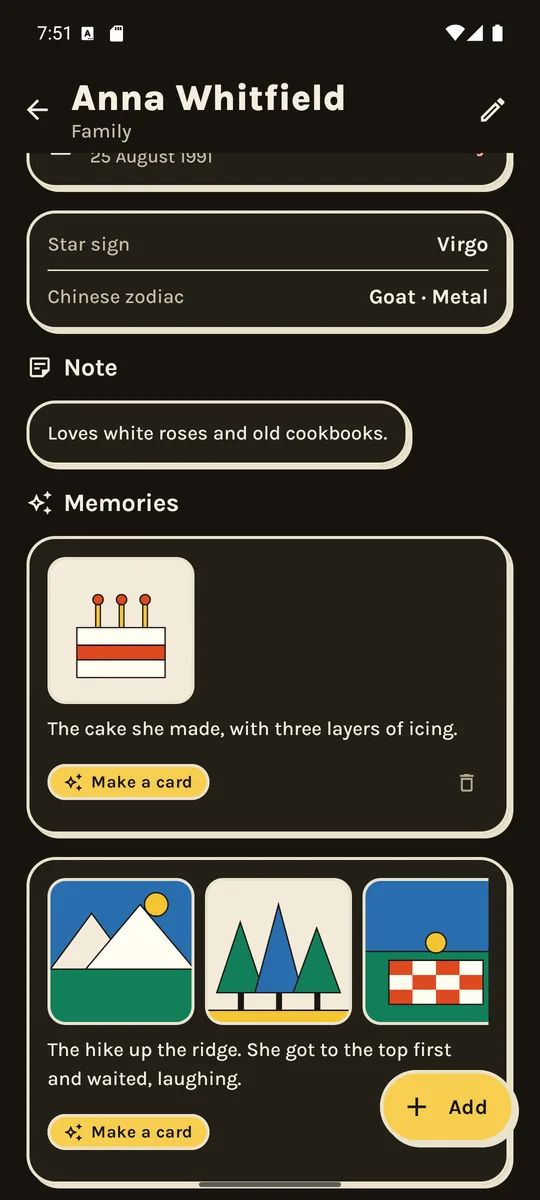
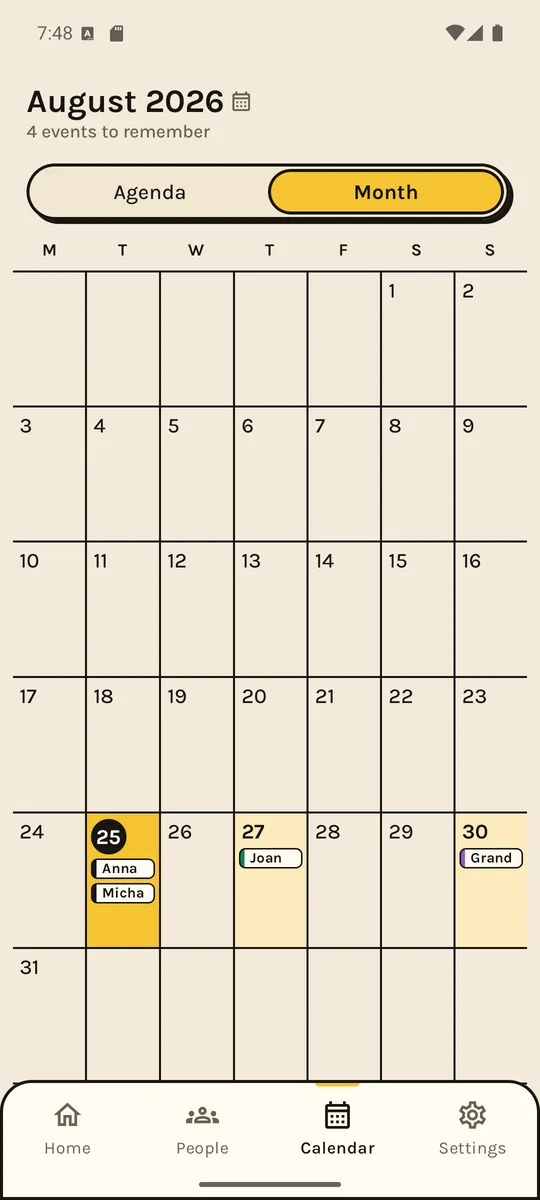
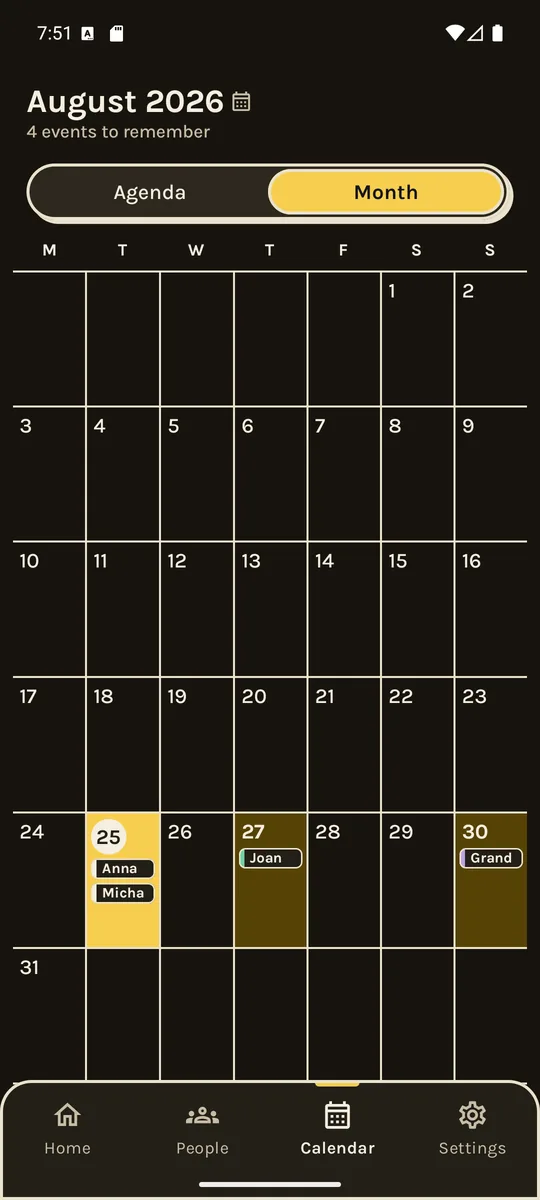
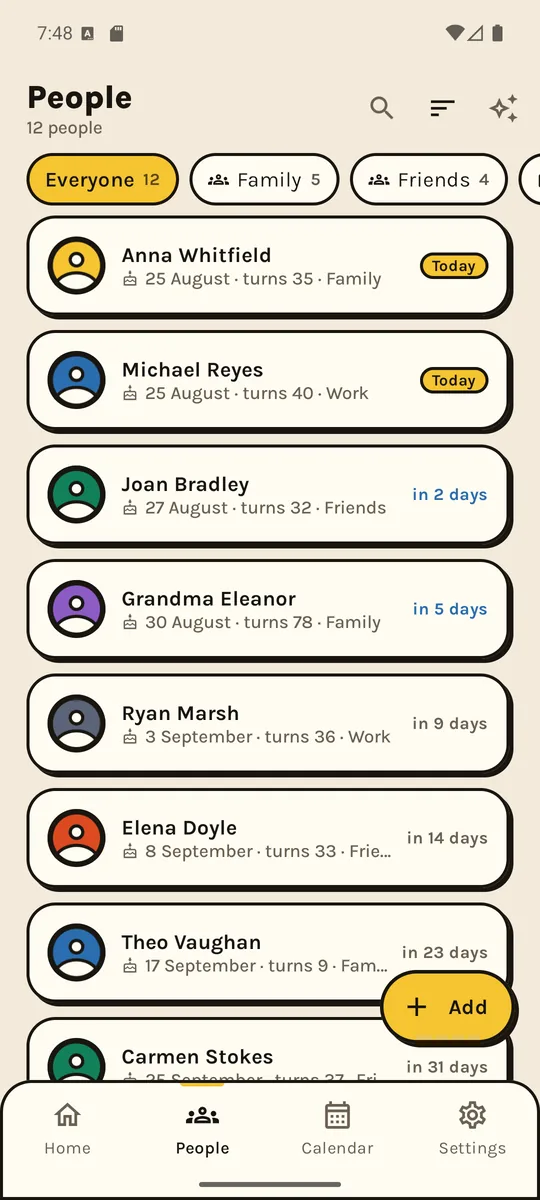
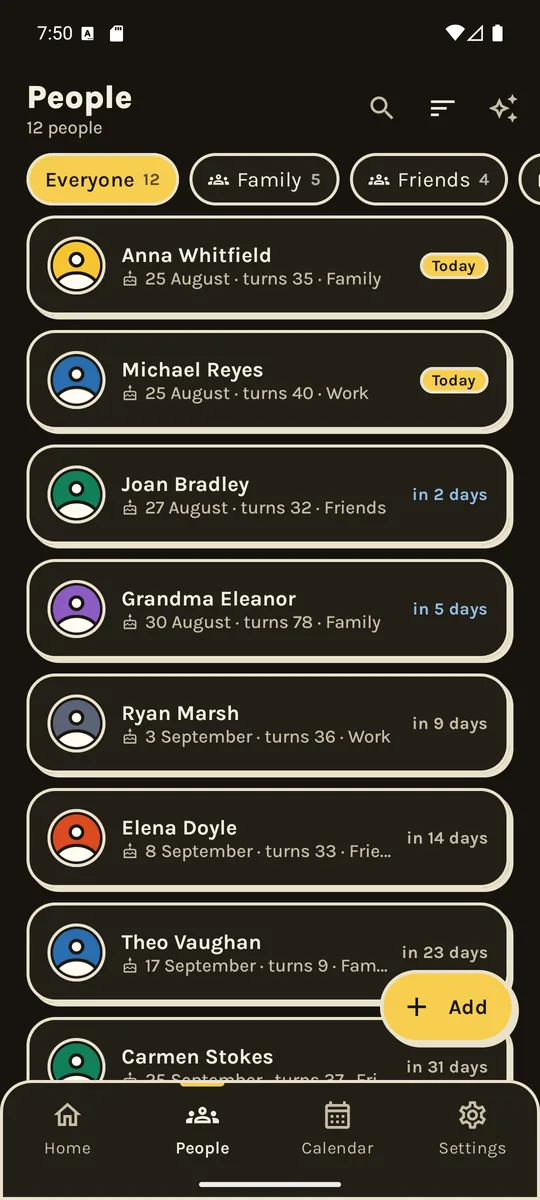
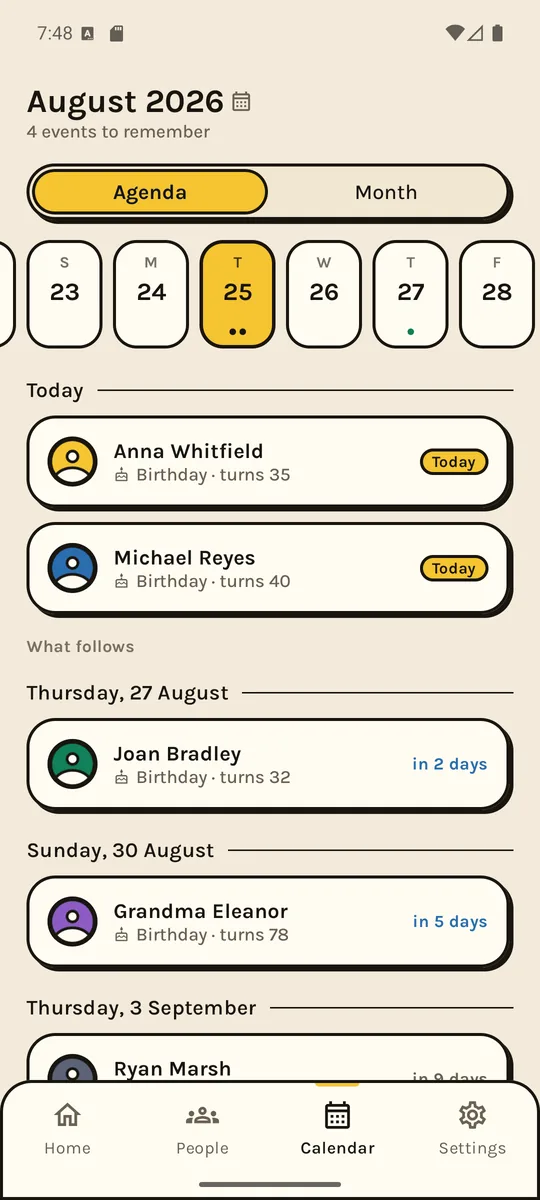
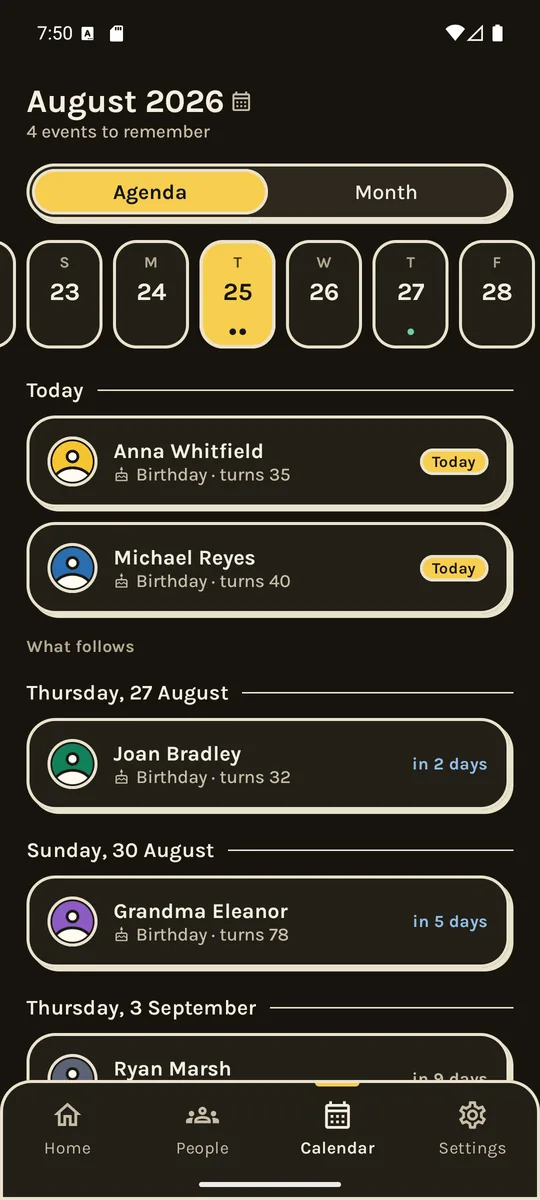
Thick, yellow, impossible to miss
Heavy outlines, solid shadows, big type. Not style for its own sake: a card with a border is readable in sunlight, on a phone, with one hand busy.
A few things, done properly
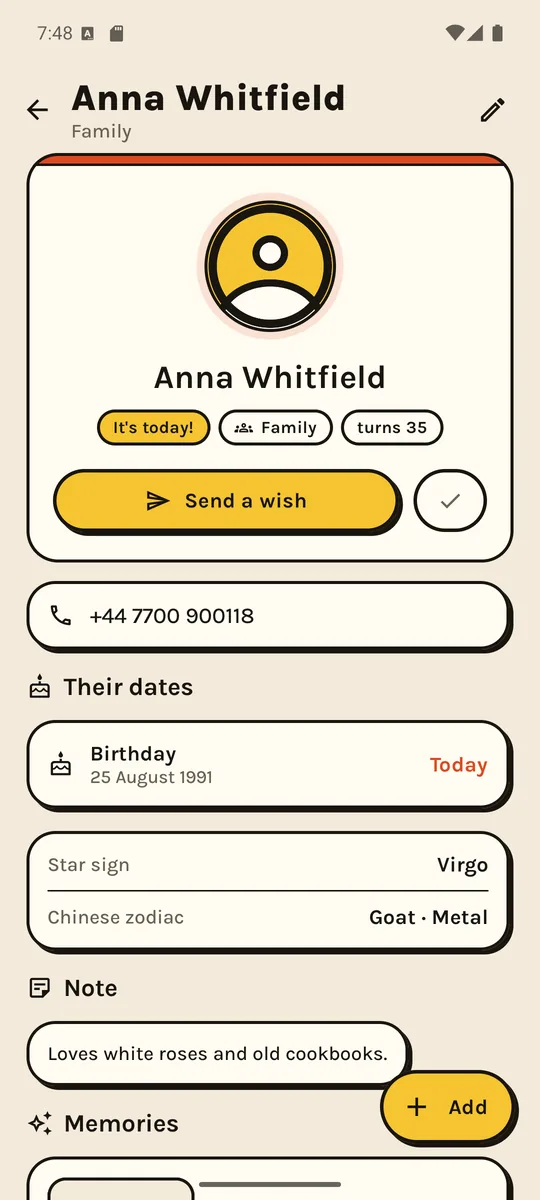
One nudge a day
A single notification in the morning, and only when something is actually coming. You pick the time and how far ahead — for everyone, or per person.
Not only birthdays
Name days, anniversaries, christenings, the day you met. You can write your own kinds of celebration, with their own name and sign.
The card, already made
Out of the photos you put in your memories. Pick a style, drag the photos into place, send. Or download the image and do what you like with it.
Message templates
Write “Happy birthday, {name}!” once and it fills in the name and the age by itself. One per group, if you want.
Gift ideas
Write the idea down in March, when it comes to you. Find it in November, on their profile, with a tick for what you already bought.
Bring them in
From your contacts or your calendar, all at once. They are copied once — after that they are yours and work with no permission at all.
A card made from your memories
You add photos to a memory — that hike, the cake, last summer. When the day comes, the app offers you a card made out of them.
Five styles, from paper-and-ink to edge to edge. The dice gives you another collage and another message if you don't like what came out. And if you want to fiddle, you drag the photos until they sit right.
We have nowhere to send your data
Pocday has no server. No account, no login, no “cloud sync”. The names and dates you write live on your phone, in the app's own file.
That is not a marketing promise, it is a technical consequence: there is no computer of ours anywhere for them to reach. Put the phone in flight mode and the app works exactly the same.
You make the backup yourself, into a file you choose — on the phone, in your own Drive, wherever. The app never goes online; Drive syncs it like any other file.
Free enough to decide. One payment if you stay.
No subscription, no ads, no “try it for 7 days”. The free version is not crippled — it is smaller.
Free
- Up to 20 people
- One date each
- Reminders, calendar, groups
- Bring them in from contacts or calendar
- Backup and CSV export
- No ads
Pocday Pro
- Unlimited people
- As many dates per person as you like
- Their photo, not just a drawing
- Gift ideas
- A separate reminder for each person
- Celebration kinds you write yourself
Because you cost us nothing every month: no server, nothing stored, nothing processed. A subscription would be a fee for nothing.
What people ask
Does it really work offline?
Yes, all of it. Not one feature needs a connection. The only moment the phone goes online is when you buy Pro, and that is Google Play doing it, not us.
What happens to my data when I change phones?
You save a backup into a file — on the phone or in your own Drive — and load it on the new one. The file holds everything, photos included. You can open it with any zip tool if you are curious what is inside.
Do you read my contacts?
Only if you ask for the import, and only then. The dates it finds are COPIED into the app, once. After that the permission is never used again — you can revoke it.
Why only 20 people on the free version?
Because by 20 people you already know whether the app is useful to you. It is not a limit that traps you halfway: getting data in and out is always free, export included.
Any ads or tracking?
Neither. There is no ad library and no analytics tool in the app. We do not know how many people are in your list, or even whether you opened it today.
Is there an iPhone version?
Not yet. For now it is Android only.
Found something broken?
Write to us. A person answers, not a form — usually the same day.